How do I reset my air fryer? Sometimes, resetting your air fryer is as simple as unplugging it and plugging it back in. However, more complex problems might require more specific solutions, including a factory reset or checking error codes. This guide will walk you through various air fryer troubleshooting steps and ways to reset your appliance, including the timer and other settings.
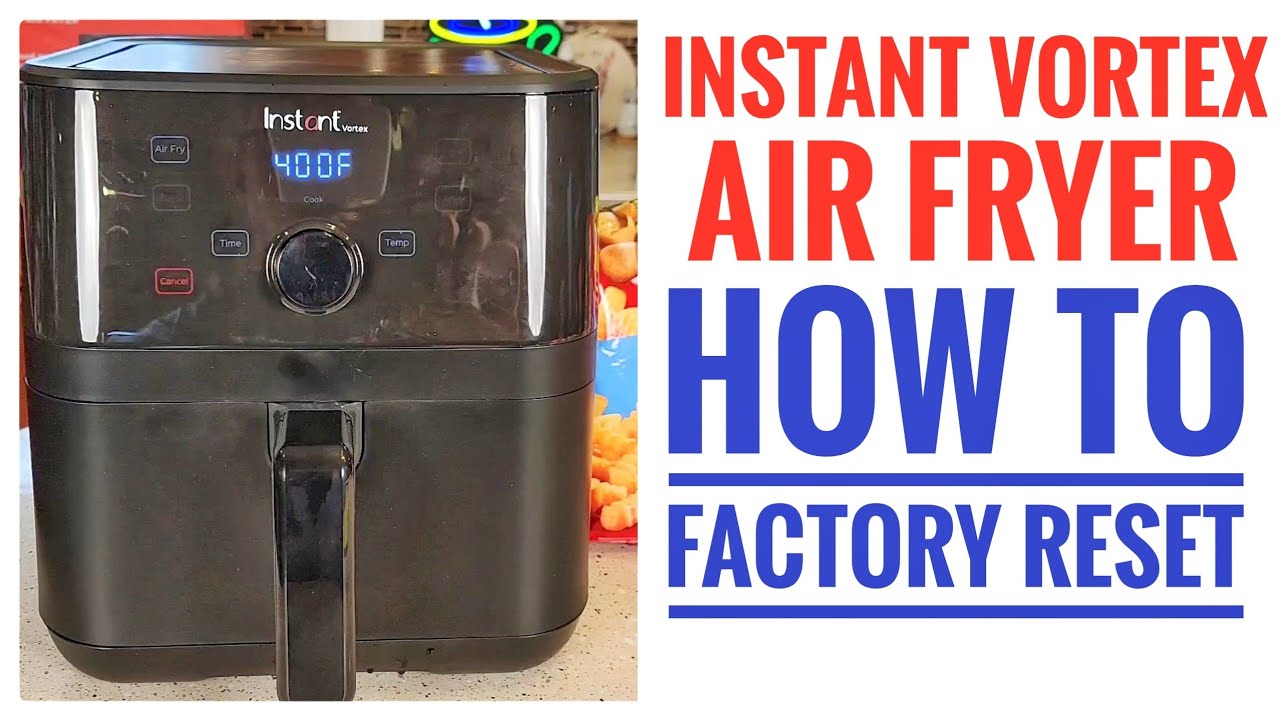
Image Source: i.ytimg.com
When Should You Reset Your Air Fryer?
Knowing when to attempt an air fryer reset button equivalent is crucial. Here are some common scenarios:
- Air Fryer Not Working: If your air fryer suddenly stops functioning, resetting it could be the first step in troubleshooting.
- Air Fryer Display Problems: A frozen, glitching, or unresponsive display often indicates a software or electrical hiccup that a reset can resolve.
- Air Fryer Error Codes: Many air fryers display error codes to indicate specific problems. A reset might clear the code if it was a temporary issue.
- Timer Malfunctions: Issues with the reset air fryer timer can lead to undercooked or overcooked food.
- Settings Glitches: If your air fryer is behaving erratically, such as randomly changing temperature or time, a reset might be necessary.
Method 1: The Air Fryer Power Cycle (The Simplest Reset)
This is the easiest and often the most effective initial step. It’s the equivalent of rebooting your computer. Here’s how to perform an air fryer power cycle:
- Turn Off the Air Fryer: Ensure the air fryer is completely turned off.
- Unplug the Air Fryer: Disconnect the power cord from the electrical outlet.
- Wait: Let the air fryer sit unplugged for 1-3 minutes. This allows any residual electrical charge to dissipate, effectively resetting the internal components.
- Plug It Back In: Reconnect the power cord to the outlet.
- Turn It On: Turn on the air fryer and see if the issue is resolved.
This simple air fryer troubleshooting step can often fix minor software glitches and temporary electrical issues.
Method 2: The Air Fryer Settings Reset (If Available)
Some air fryers have a built-in reset function within their settings menu. This is similar to performing a air fryer factory reset. Consult your air fryer’s manual to see if this feature is available.
- Access the Settings Menu: Navigate to the settings menu on your air fryer’s display. The method for doing this varies depending on the model. Common instructions include pressing the “Menu” button, tapping the screen in a specific sequence, or using the dial.
- Look for “Reset” or “Default Settings”: Within the settings menu, look for an option labeled “Reset,” “Air fryer settings reset,” “Air fryer default settings” or something similar.
- Confirm the Reset: Select the reset option and confirm your choice. The air fryer will likely display a message indicating that it’s resetting to its air fryer default settings.
- Test the Air Fryer: After the reset is complete, test the air fryer to ensure the problem is resolved.
If your air fryer lacks a dedicated reset function in the menu, the power cycle method is your best alternative.
Method 3: Addressing Common Air Fryer Error Codes
Air fryer error codes are your air fryer’s way of communicating specific problems. Each code corresponds to a particular issue, such as overheating, a faulty sensor, or a motor problem.
- Identify the Error Code: Note the exact error code displayed on the air fryer.
- Consult Your Manual: Your air fryer’s manual will have a section dedicated to error codes and their meanings. This is the most reliable source for information.
-
Troubleshoot Based on the Error Code: Follow the troubleshooting steps provided in the manual for the specific error code. Common solutions include:
- Overheating: Let the air fryer cool down completely before using it again. Ensure proper ventilation around the appliance.
- Sensor Issues: Check the sensor connections (if accessible) or contact customer support.
- Motor Problems: This might indicate a more serious issue requiring professional repair.
4. Reset After Troubleshooting: After addressing the potential cause of the error code, perform a power cycle reset (unplug and replug) to see if the code clears.
Here is an example table of common error codes (this is a generic table and may not apply to your specific model):
| Error Code | Possible Cause | Solution |
|---|---|---|
| E1 | Overheating | Let the air fryer cool down. Ensure adequate ventilation. |
| E2 | Temperature sensor failure | Contact customer support for repair. |
| E3 | Motor malfunction | Contact customer support for repair. |
| E4 | Voltage too high/low | Check your outlet. Use a surge protector. |
| Er1 | Open Circuit of Thermistor | Contact customer support for repair. |
| Er2 | Short Circuit of Thermistor | Contact customer support for repair. |
Important: Always prioritize safety. If you suspect a serious electrical issue, do not attempt to repair the air fryer yourself. Contact a qualified appliance repair technician.
Method 4: Fixing Air Fryer Display Problems
Air fryer display problems can range from a completely blank screen to flickering or distorted visuals. Here are some steps to try:
- Check the Power Connection: Ensure the air fryer is properly plugged into a working outlet.
- Power Cycle: Perform a power cycle reset (unplug and replug). This often resolves temporary display glitches.
- Check for Physical Damage: Inspect the display screen for any cracks or damage. If there is physical damage, the display might need to be replaced.
- Consult the Manual: Your air fryer’s manual might offer specific troubleshooting steps for display issues.
- Contact Customer Support: If the display problem persists, contact the manufacturer’s customer support for assistance. They might be able to provide further troubleshooting steps or arrange for a repair.
Method 5: Resetting the Air Fryer Timer
An inaccurate or malfunctioning reset air fryer timer can lead to improperly cooked food. Here’s how to address timer issues:
- Check the Timer Settings: Ensure the timer is set correctly and not accidentally set to zero or an extremely long time.
- Calibrate the Timer (If Possible): Some air fryers allow you to calibrate the timer in the settings menu. Consult your manual for instructions.
- Power Cycle: Perform a power cycle reset. This can sometimes resolve timer glitches.
- Test the Timer: Set the timer for a short duration (e.g., 5 minutes) and observe if it counts down correctly.
- Contact Customer Support: If the timer continues to malfunction, contact customer support for assistance. The timer mechanism might be faulty and require repair or replacement.
Method 6: Addressing Air Fryer Not Working Issues
When your air fryer not working at all, it can be incredibly frustrating. Here’s a systematic approach to troubleshooting:
- Check the Power Supply: Make sure the air fryer is plugged into a working outlet. Test the outlet with another appliance to confirm it’s providing power.
- Check the Power Cord: Inspect the power cord for any damage, such as cuts or fraying. If the cord is damaged, it needs to be replaced.
- Check the Basket and Drawer: Many air fryers have safety mechanisms that prevent them from operating if the basket or drawer is not properly inserted. Ensure the basket is securely in place.
- Check the Overload Protection: Some air fryers have an overload protection feature that shuts them off if they overheat or draw too much power. Let the air fryer cool down completely and try again.
- Power Cycle: Perform a power cycle reset.
- Consult the Manual: Review the troubleshooting section of your air fryer’s manual for specific guidance.
- Contact Customer Support: If the air fryer still doesn’t work, contact customer support for further assistance.
When to Contact Customer Support or a Repair Technician
While many air fryer issues can be resolved with simple resets and troubleshooting, some problems require professional attention. Contact customer support or a qualified appliance repair technician if:
- The air fryer continues to malfunction after attempting all troubleshooting steps.
- You suspect a serious electrical issue or smell burning.
- The air fryer is still under warranty.
- You are uncomfortable disassembling or repairing the air fryer yourself.
Preventive Maintenance to Avoid Future Issues
Preventive maintenance can significantly reduce the likelihood of future air fryer problems and the need for frequent resets. Here are some tips:
- Clean Regularly: Clean the air fryer basket, drawer, and interior after each use to prevent food buildup and grease accumulation.
- Avoid Overfilling: Do not overfill the air fryer basket, as this can hinder proper airflow and lead to uneven cooking.
- Use Proper Ventilation: Ensure the air fryer has adequate ventilation around it to prevent overheating.
- Avoid Abrasive Cleaners: Use gentle cleaning products and avoid abrasive scrubbers that can damage the non-stick coating.
- Store Properly: Store the air fryer in a cool, dry place when not in use.
Fathoming Your Air Fryer Model is Key
Each air fryer model is different. Therefore, the reset method or air fryer troubleshooting steps that work for one model might not work for another. Always consult your air fryer’s manual for specific instructions and guidance. This will help you understand the nuances of your appliance and how to properly maintain and troubleshoot it.
Frequently Asked Questions (FAQ)
Q: Can I reset my air fryer by simply turning it off and on?
A: Turning your air fryer off and on is similar to a soft reset. While it might resolve some minor issues, a more effective reset involves unplugging the air fryer for a few minutes. This allows the internal components to fully reset.
Q: What is the air fryer reset button, and where is it located?
A: Most air fryers don’t have a physical air fryer reset button. The reset is usually performed by unplugging the unit (air fryer power cycle) or through a settings menu option (air fryer factory reset), if available. Check your manual for details.
Q: How often should I clean my air fryer?
A: Ideally, you should clean the air fryer basket and drawer after each use. A more thorough cleaning, including the interior, should be done at least once a week, or more frequently if you use the air fryer often.
Q: My air fryer smells like plastic. Is this normal?
A: A slight plastic smell is common when using a new air fryer for the first few times. However, if the smell is strong or persists, it could indicate a problem. Ensure proper ventilation and contact customer support if the smell doesn’t dissipate after a few uses.
Q: What should I do if my air fryer is sparking?
A: If your air fryer is sparking, immediately unplug it and discontinue use. Contact a qualified appliance repair technician to inspect the unit. Sparking can indicate a serious electrical issue.
Q: My food is not cooking evenly in the air fryer. What can I do?
A: Ensure you are not overfilling the air fryer basket. Food should be arranged in a single layer to allow for proper airflow. You may also need to shake or flip the food halfway through cooking for even browning.
Q: Are there any foods I should avoid cooking in my air fryer?
A: Avoid cooking foods with a wet batter in the air fryer, as the batter can drip and create a mess. Also, be cautious when cooking foods with high fat content, as the dripping fat can create smoke.
Mastering these steps, alongside a peek at your air fryer’s manual, empowers you to conquer everyday glitches and perform vital resets, ensuring your appliance hums with peak performance.

I’m the recipe developer and food photographer behind Air Fryer at Tiffany’s. I’m also a wife, mom to two adventurous little boys, registered nurse, and live in the great Midwest. Join me as I show you new ways to use your air fryer that you never knew possible.